iDiA is the online intelligent evaluation method that completes and simplifies the previous visual evaluation method.
All in just a few steps!
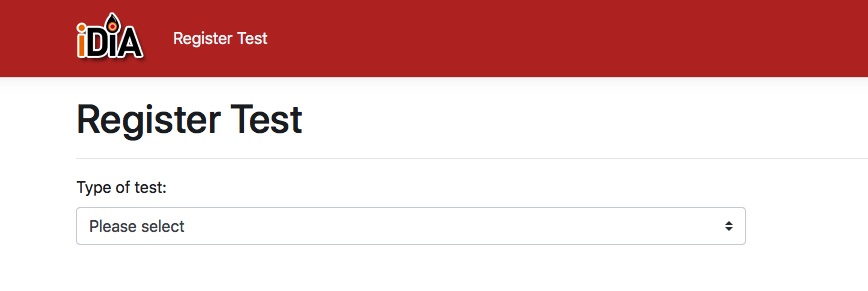
To register your specific test, begin by entering the relevant vehicle data into this unique device and press REGISTER.
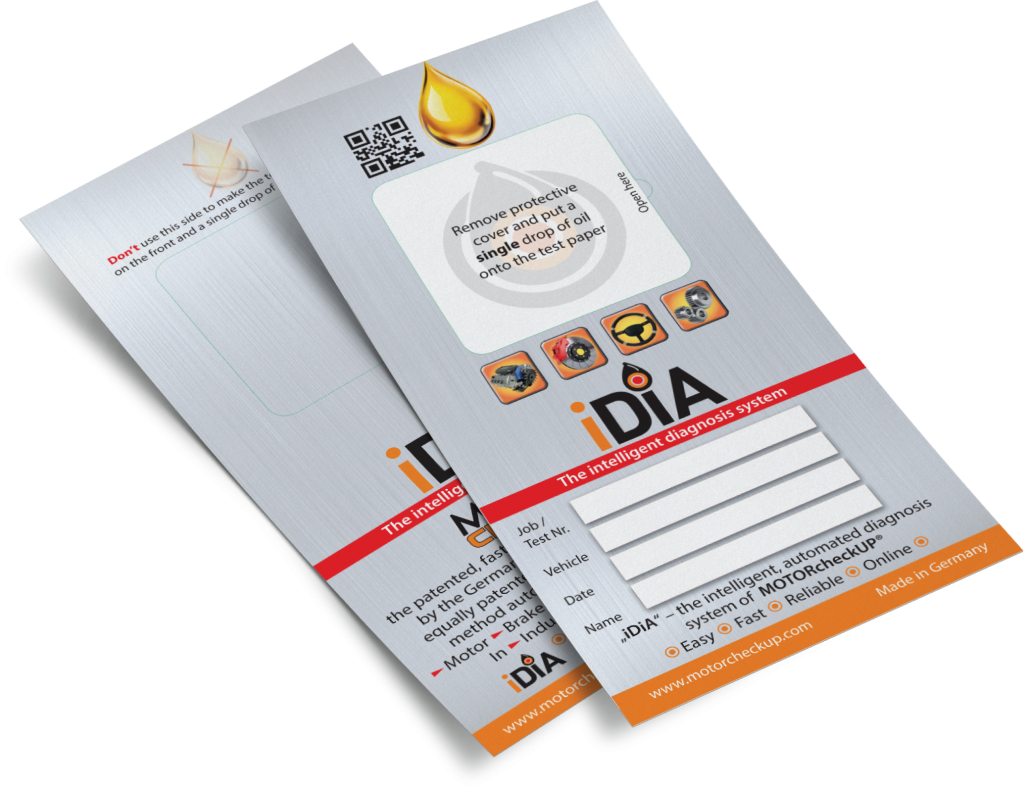
Once registered, remove the protective cover completely from the test card and apply one drop of oil or fluid as instructed.
After allowing the test to mature, insert the test card into the device, ensuring it’s inserted on the right side.
With the test properly inserted, press the button labelled START TEST—the test program, powered by iDiA, will initiate three different scans, which are then sent to MOTORcheckUP’s server.
You’ll receive the test result almost instantaneously via email as a PDF file.
Gert Horstmeyer, the mastermind behind MOTORcheckUP and iDiA, developed both the software and hardware with extensive support from laboratory trials. Patents for this groundbreaking invention have been registered in numerous countries worldwide. For further details, please don’t hesitate to contact us at info@motorcheckup.com
Watch iDiA video
iDiA
THE ONLINE DIAGNOSES
Simple. Fast. Reliable.
DIAGNOSES ONLINE
Until now, test results had to be evaluated manually through visual inspection. Now, iDiA makes this process easy, fast, and reliable. iDiA provides electronic analysis of MOTORcheckUP tests for engines, brakes, power steering, and transmission. Its applications extend beyond the automotive industry into areas such as general industry, farming, forestry, shipping, and any other machinery requiring lubrication.
The device captures the test photographically and submits it to the server. The evaluation is then sent back almost instantaneously as a PDF file.
Easy input of data
Firstly, a few vehicle specific details are captured and submitted to the server. Each test paper has a unique QR code that guarantees that the specific test result can be retrieved any time if one has the need for it. These data needed:
License plate
Make and model
Engine ccm and horse power
Kind of engine: Diesel/Petrol (however this does not apply to break, power steering, transmission applications).
Mileage of the engine and the oil (important for an accurate analysis)
THE NEXT STEP
Apply one drop onto the test and wait for it to mature as instructed by the device.
THE TEST RESULT
After the test sample has matured (note that engine oil, brake fluid, power steering fluid, and transmission fluid have different maturation times), insert the test paper into the iDiA device and press START.
The test is scanned and submitted to the server.
The customer receives a detailed PDF report with comments via email almost instantaneously.
iDiA
REGISTER iDiA TEST ONLINE
Simple. Fast. Reliable.
SCAN QR CODE
Register the test as explained in the iDiA box, or conveniently online using any of these tools:
Mobile phone
Tablet
Laptop
You’ll need a device with an integrated camera and a QR code reader app. Simply scan the unique QR code on the test, and you’ll automatically be directed to: https://portal.motorcheckup.com/motorcheckup/regtest